
Table of Contents
You can delete a petition you started directly from your Change.org account.
Steps to delete your petition
-
Log in to your Change.org account. Open Account Settings, then select Manage Signatures, Petitions, Account to open Manage Assets.
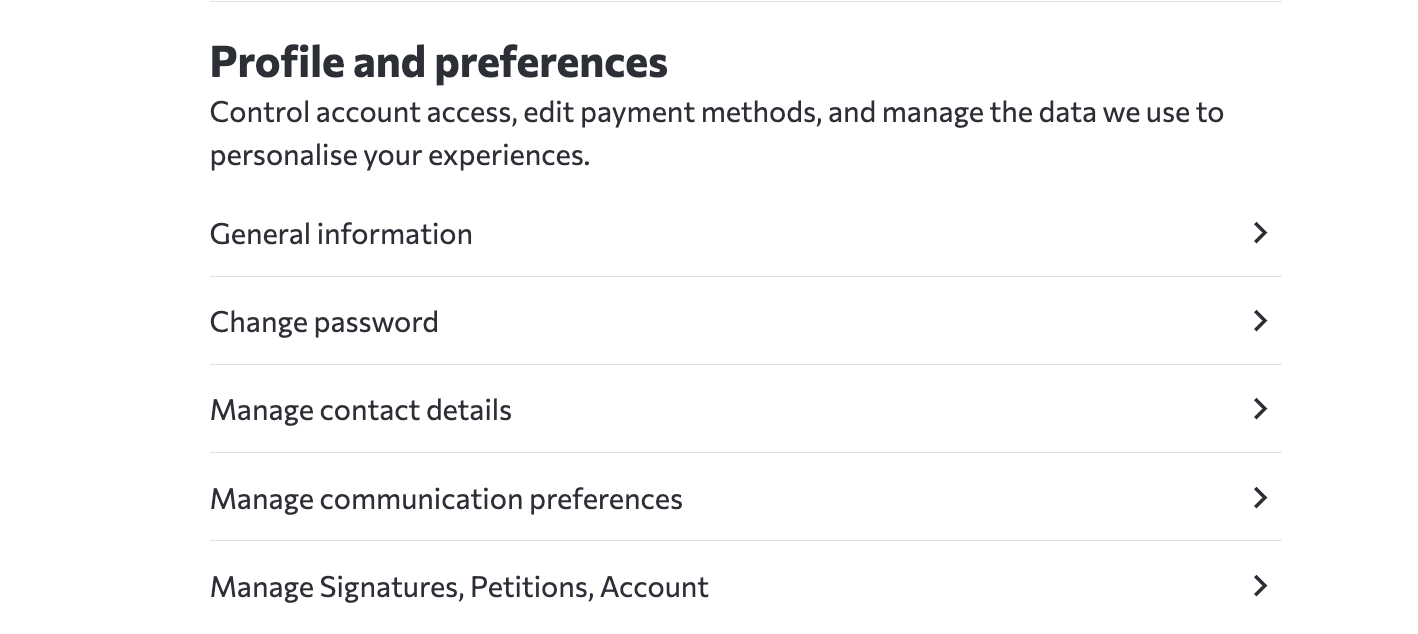
-
In Manage Assets, find the petition under Started Petitions and select Delete.

What happens after deletion: A deleted petition is removed from public view and search engine indexing, and the deletion action is logged for auditing. You can restore it from Started Petitions in Manage Assets. Petitions with 1,000 or more signatures, or petitions selected by the system for promotion, show an Under Review status while Change.org staff process the request. You retain full edit access to the petition during the review.
Deleting vs. Closing a petition
Deleting a petition removes it from public view and search engine indexing. A deleted petition appears in Manage Assets with a Restore action. If you want to keep your petition visible but stop new signatures, you can close it from your petition dashboard. When you close a petition:
● The petition remains visible on Change.org
● No new signatures can be added
● You can reopen it later
● Your petition remains visible, and the media may contact you in case of any inquiries or interviews
Frequently Asked Questions
Why is my deletion request under review?
A deletion request shows Under Review when the petition has 1,000 or more signatures or the system selected it for promotion. Change.org staff process the request, and you retain full edit access to the petition during the review.
How do I restore a deleted petition?
Go to Manage Assets. Under Started Petitions, find the deleted petition and select Restore.